

Email support@hopes2290.com
Support(628) 267-4400
TimingsMonday - Friday 5:00 am PST to 7:00 pm PST
Missed the August 31 Deadline? File Now online and Halt Penalties e-File Now
×
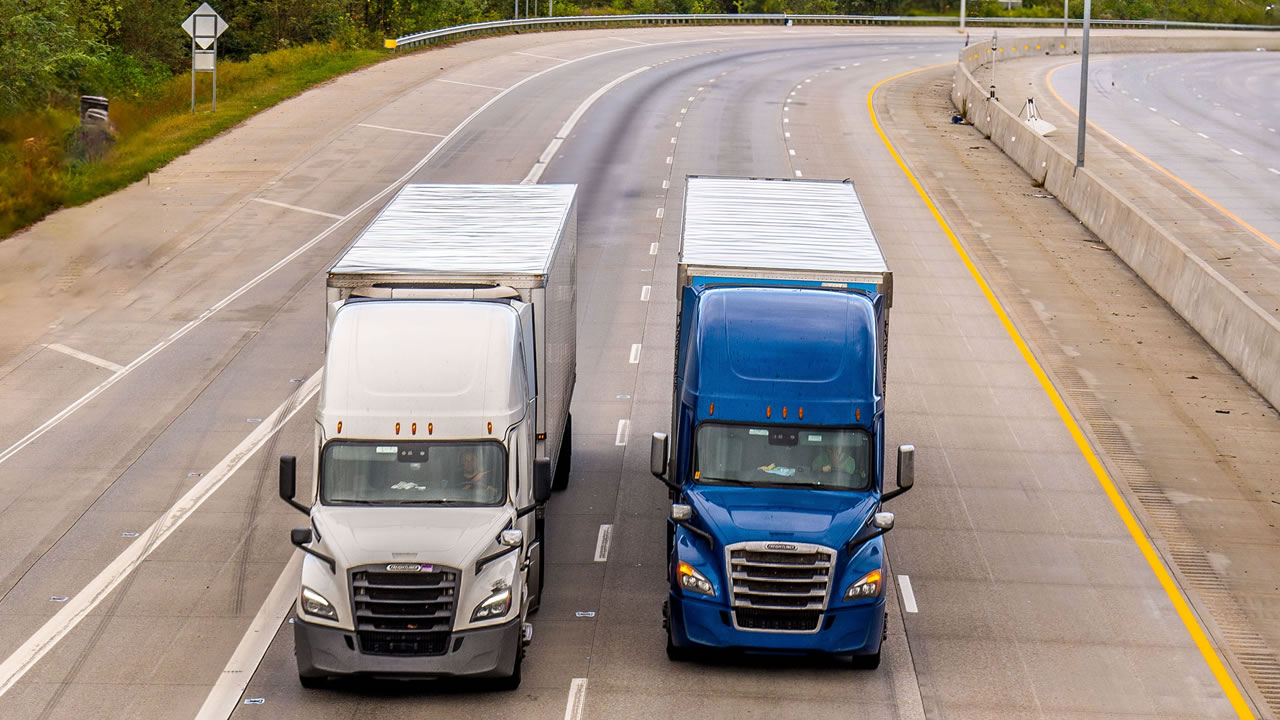
A trucking company files IRS Form 2290 for several trucks by combining every heavy highway vehicle registered under one Employer Identification Number (EIN) into a single electronic return. With an IRS-authorized e-file provider such as Hopes2290, a fleet manager can upload the vehicle list from a spreadsheet, let the software work out the Heavy Vehicle Use Tax (HVUT) for each weight bracket, and receive one IRS-stamped Schedule 1 for the whole batch, often within minutes.
Keeping a growing fleet compliant comes down to getting three details right for every truck: the Vehicle Identification Number (VIN), the taxable gross weight, and the month of first use. The process below covers the full workflow.
Yes, once a company reports 25 or more vehicles in a single tax period, the IRS requires the return to be filed electronically. Smaller fleets are not bound by that rule, but the IRS still encourages e-filing because it removes hand-calculation mistakes and returns the watermarked Schedule 1 shortly after acceptance.
Paper returns covering many trucks can take weeks to process. That delay can hold up state DMV registrations and International Registration Plan (IRP) renewals. E-filing through Hopes2290 looks up the correct tax for each weight category, from 55,000 lbs to 75,000 lbs and above, and checks VIN formatting before the return goes to the IRS.
Before starting a bulk return, the fleet manager needs the business details, each truck’s full 17-character VIN, its taxable gross weight category, and its first-use month. A clean master spreadsheet at this stage helps avoid IRS rejection codes and later VIN correction filings.
To bulk file, the fleet manager imports a standardized Excel or CSV file into an IRS-authorized platform, checks the calculated tax, and makes one combined payment. With Hopes2290, no truck has to be typed in by hand.
Bulk upload is the faster and safer choice for fleets of five or more trucks. Manual entry fits owner-operators with one to four vehicles. The difference matters most during the August rush.
| Feature | Bulk Spreadsheet E-Filing (Hopes2290) | Manual Single-Vehicle Entry |
|---|---|---|
| Best fleet size | 5 to 500+ heavy vehicles | 1 to 4 heavy vehicles |
| Data entry | CSV or Excel template upload | Each 17-digit VIN typed individually |
| Error prevention | Automated VIN and weight checks | Higher risk of transposed digits and typos |
| 25+ vehicle e-file rule | Meets the requirement | Slow and impractical at that size |
| Schedule 1 delivery | One consolidated Schedule 1 within minutes | Separate forms or a lengthy manual review |
A separate Form 2290 is required for each first-use month and for each EIN. Trucks first driven in July cannot share a return with trucks first driven in November.
The IRS issues one watermarked Schedule 1 for each accepted Form 2290. It lists every VIN in the bulk submission, and copies of it can be printed or uploaded to register each vehicle with a state DMV or IRP office.
If the return is accepted with a wrong VIN, the company does not need to refile or pay the tax again. A Form 2290 VIN Correction submitted through Hopes2290 replaces the incorrect VIN and produces an updated, IRS-stamped Schedule 1.
It depends on how the vehicle is registered. In general, the party in whose name the vehicle is registered, or dual-registered, under state, District of Columbia, or tribal law is responsible for filing and paying the HVUT. The lease agreement and title registration should be checked before leased units are added to the fleet upload.
Note: For more information, visit IRS website
 into a single electronic return. &p[url]=https://www.hopes2290.com/blog/how-do-trucking-companies-file-form-2290-for-multiple-vehicles&p[images][0]=https://www.hopes2290.comhttps://hopes2290.com/blog_image/How do trucking companies file Form 2290 for multiple vehicles.jpg)
